Create From Images
CREATE FROM AN IMAGE
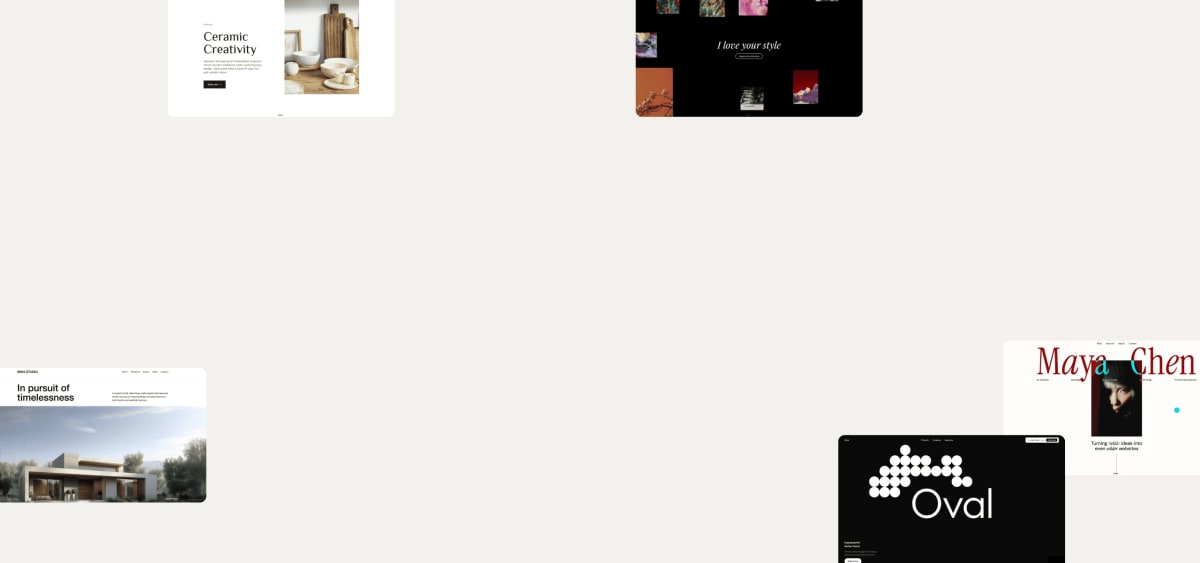
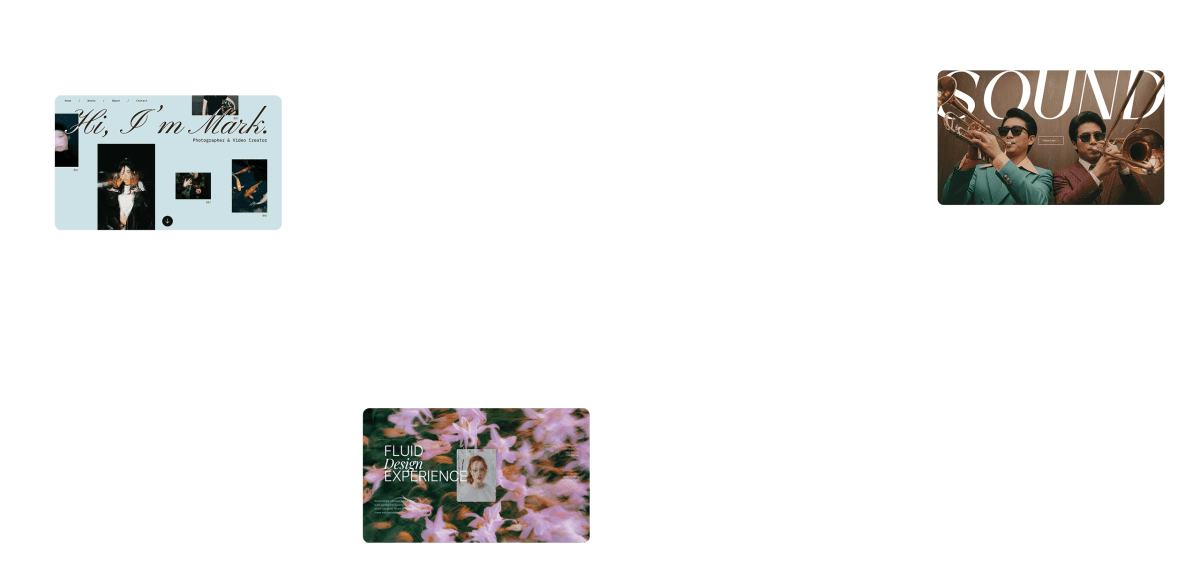
Create anything from an image
Upload an image, describe what you want. Maker turns it into real, editable output: full pages, components, sections, and content blocks.
Trusted by teams at


Picture-in, page-out
From visual to shippable, fast
Upload any screenshot/sketch/photo and get a responsive section or page—no manual rebuild.
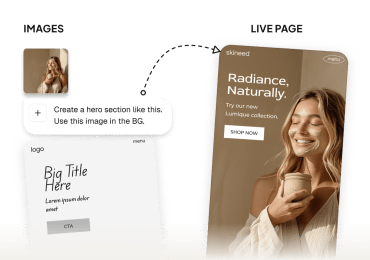
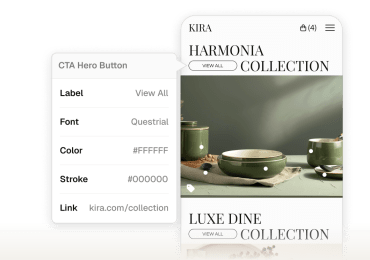
Make any reference on-brand
Drop a screenshot; get the same layout in your fonts, colors, and buttons—same feel, your brand.
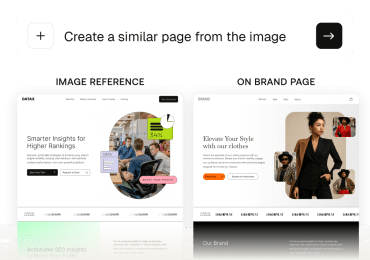
Text & assets become editable
Extracts copy, colors, and key visuals so you can edit text, swap images, and restyle without reopening design files.
"Maker's features, right out of the box, are genuinely meaningful, boosting sales, viewer engagement, and saving significant effort. It allows us to launch faster and more efficiently into new markets."

Aliyah Hassan Kent
Director of Digital Product at Youngevity
"Maker has streamlined the entire blog creation process for us, we no longer need to spend hours writing code and can easily customise the design to match our preferences."

Ashima Singla
Founder Whispering Homes
"Oh my gosh, this is awesome! There's so much you can create with Maker—it's simple, intuitive, and exactly what we've needed."

James Roe
Digital Marketing & E-Commerce Manager at JEGS
"The seamless Figma-to-web conversion eliminated developer bottlenecks and let us go from design to done—and live—in days rather than weeks or months."

Brian Posalski
VP of Digital, NeoLife
"Maker is a key part of our personalization strategy. It's helped teams deliver immersive customer experiences, partner across departments, and quickly adapt by experimenting and learning more often."

Andrew Boellstorff
Director of Digital Product & Tech, Speedway Motors
"Maker has made it so much easier to improve our website pages. We've seen stronger, clearer content and it saves us so much time."

Sally Sloan
Ecommerce Specialist at Yogasleep
Questions?Answers!
Upload a reference image (plus an optional prompt) and Maker generates a matching section or full page you can edit and publish.
Clear screenshots or mockups (PNG/JPG/WebP). Avoid blurry, skewed, or heavily compressed images.
Yes—add several references (e.g., hero, pricing, footer). Describe one as primary and others as style/detail refs.
Use images you own or have permission to reference. Maker generates new output; we also provide options to replace logos, fonts, and brand assets.
Yes—attach your Style Guide. Colors, type, spacing, and tone are applied to the generated layout.